
Meta Ads for Beginners: What You Need Before You Spend a Dollar
Facebook and Instagram ads can put your business in front of exactly the right people. They can also burn through a budget fast if you start without a plan.
This guide covers what you need in place first, how campaigns are built, and the mistakes beginners make most often.
What Meta ads are
Meta owns Facebook and Instagram, and you create and manage ads for both in one place: Meta Ads Manager. You choose who should see your ad, set a budget, write the ad and decide what you want people to do. Meta shows the ad to people who match your settings, and you pay according to your budget and goals.
What you need before you start
- A Facebook Page for your business. Ads are normally managed through a Page, even if you mostly use Instagram.
- A Meta Business account and access to Ads Manager. This is where campaigns are created and tracked.
- A payment method on your ad account. Meta charges you directly for the ad spend.
- One clear goal. Leads, calls, website visits, bookings or sales. Pick the main one.
- Something worth clicking. A simple offer, a free consultation, a booking page or a product page that loads quickly on a phone.
- Creative. Good images or short videos, and a few lines of copy.
- A way to follow up. If someone fills in a form, who replies, and how fast?
How a campaign is built
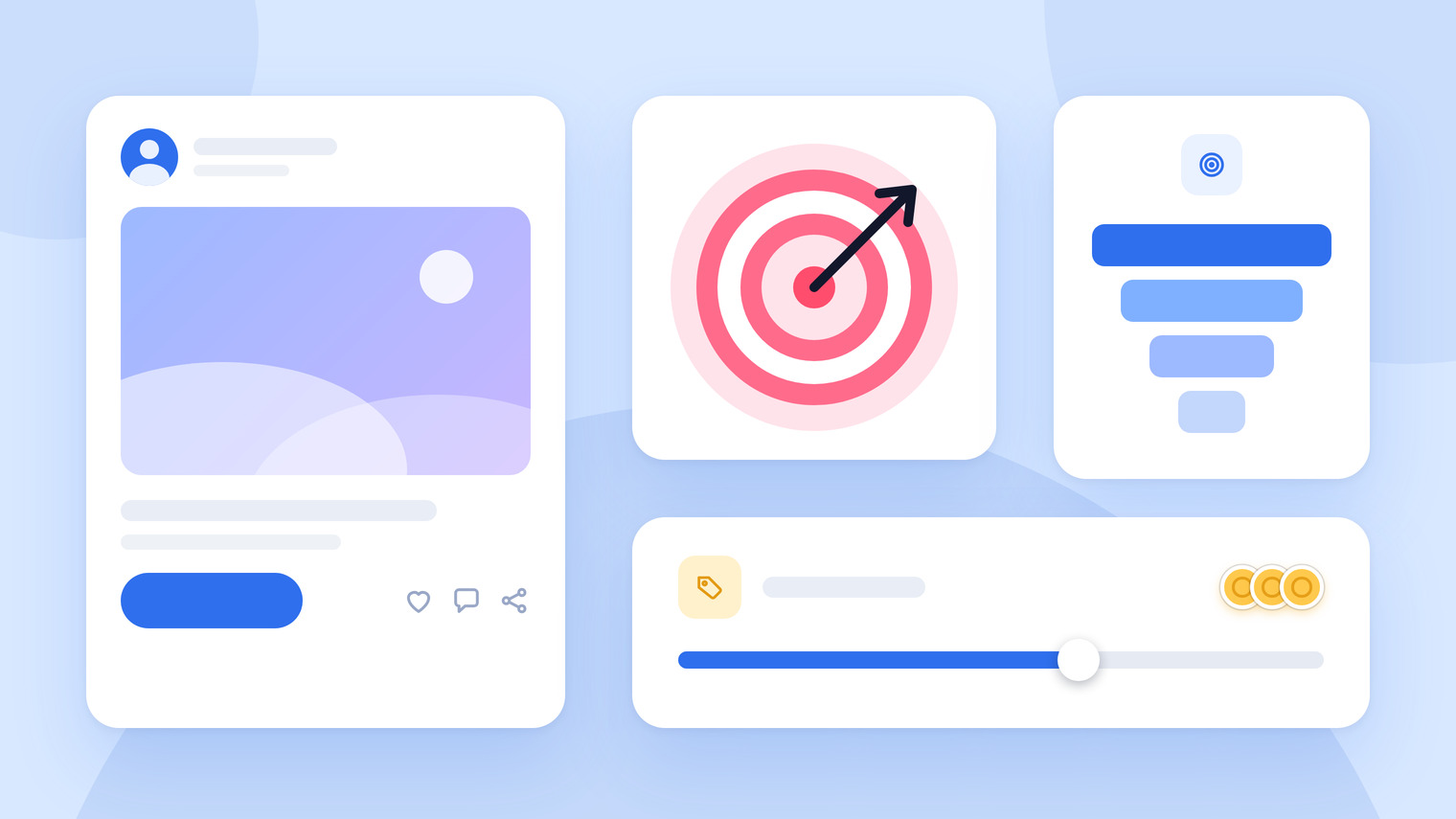
Meta organizes ads in three levels:
- Campaign: the objective, such as awareness, traffic, leads or sales.
- Ad set: who sees the ads (audience, location, age, interests), where they appear (placements) and how much you spend.
- Ad: the creative, the text and the button.
You can have several ad sets in one campaign and several ads in one ad set, which lets you test different audiences and different creative against each other.
Budget basics
- Start small and learn. You do not need a large budget to find out what works. You need enough to collect meaningful data over a few days.
- Give it time. Changing everything every day stops the system from learning.
- Keep management and ad spend separate. The ad spend goes to Meta. If someone manages your ads for you, their fee is a different cost.
- Set a limit you are comfortable with while you test. Not every test works, and that is part of the process.
Numbers worth watching
- Reach and impressions: how many people saw the ad
- Click-through rate: the share of viewers who clicked
- Cost per result: what each lead, visit or sale costs you
- Return on ad spend (ROAS): the revenue you get back for each dollar spent
We are not quoting benchmarks, because they vary hugely by industry and offer. Track your own numbers and improve them over time.
A simple first campaign
Here is an example plan for a local business that wants more inquiries:
- Goal: leads, meaning people who fill in a short form or send a message.
- Audience: people within a realistic distance of your business, with a broad age range that you can narrow later.
- Ads: two or three different creatives, for example a short video, an image with an offer and a customer testimonial.
- Budget: a small daily amount, kept steady for several days before you change anything.
- Landing page: a simple page or form that works well on a phone.
- Follow-up: reply to every lead quickly, ideally the same day.
- Review: after a week or two, keep the ads that bring leads at a cost you can live with, and pause the rest.
What retargeting means
Retargeting shows ads to people who have already visited your website or engaged with your page. It usually works better as a second step than as a starting point, because people are more likely to respond to a business they have already seen.
Seven beginner mistakes
- Boosting posts with no clear goal
- Choosing an audience that is too broad (“everyone”) or too narrow to deliver
- Running a single ad and judging the whole campaign by it
- Sending people to a slow or confusing page
- Stopping too early, or changing too much too often
- Ignoring leads: slow replies waste the spend
- Not tracking results at all
Where Meta ads management fits
A fully managed campaign covers the work that takes the most experience: researching audiences, structuring the campaign, and creating the ad creative and copy around your goals. At Socialrt this is $199 a month.
You will need an active Facebook Page, access to your Meta Business or Ads Manager account, and a payment method already on the ad account. Ad spend is billed to you directly by Meta and is not part of our fee.
One thing to know up front: our 14-day guarantee covers posts and short-form video, but not Meta ads or growth services, because ad spend goes straight to Meta and results depend on factors outside anyone’s control. We would rather tell you now than surprise you later.
See the Meta ads plan, or talk to us first if you are not sure whether ads are the right next step. If you are still deciding where to be active, our guide to choosing the right platform can help.